Check FB-Group-Post & GH-Docs
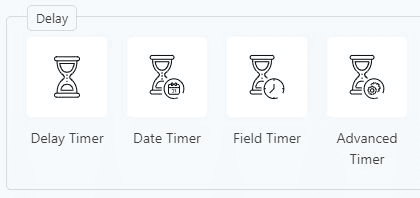
Groundhogg has four timers(Actions)
- Delay Timer – By using this action, you can determine a precise time interval for the next step in the funnel to activate. Additionally, you have the flexibility to decide how the following step aligns with the delay period.
- Date Timer – If you want something to happen at a very specific date and time then you can use this action.
- Field Timer – With this action, you can schedule an action based on a particular date and time derived from a specific field. This field can be filled out in forms and serve as a condition for the subsequent step.
- Advanced Timer – You can set an action based on a general date and time such as “next Tuesday”. You can use this to run funnels that are repetitive or based on a specific day, week, or month. Plus what to do if the date has passed, pass-through, skip to step, and stop funnel.
*Date Timer, Field Timer, and Advanced Timer require the Groundhogg – Advanced Features extension